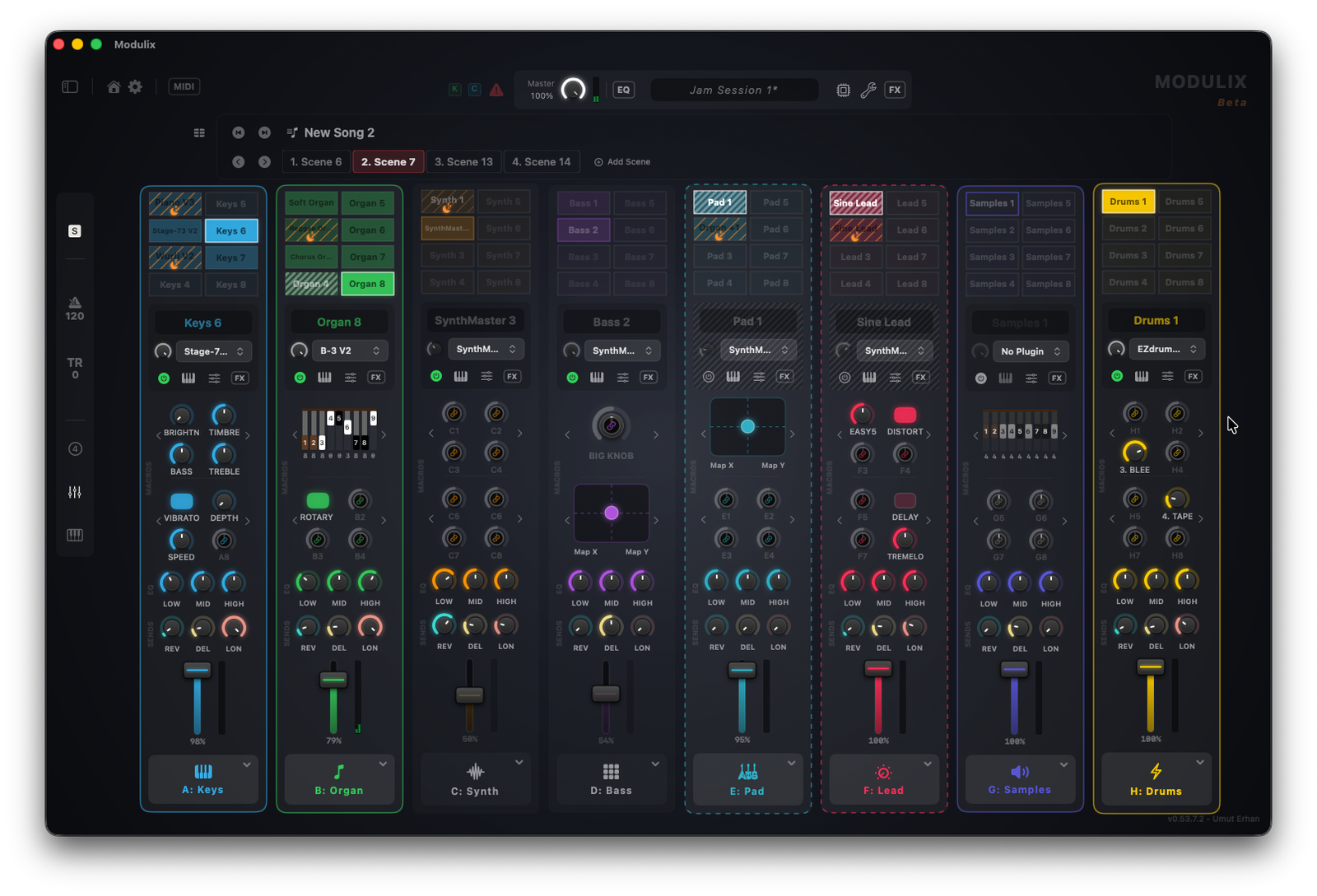
1. Install the Plugin
This bridges Modulix and the Stream Deck software over your local network for zero-latency communication.
Download Plugin (.streamDeckPlugin)2. Install the Profiles
Import my pre-made, beautifully crafted stage layouts designed specifically for your hardware model.
Why use a Stream Deck with Modulix?
It provides the visual context and tactile speed of a high-end hardware workstation at a fraction of the cost.
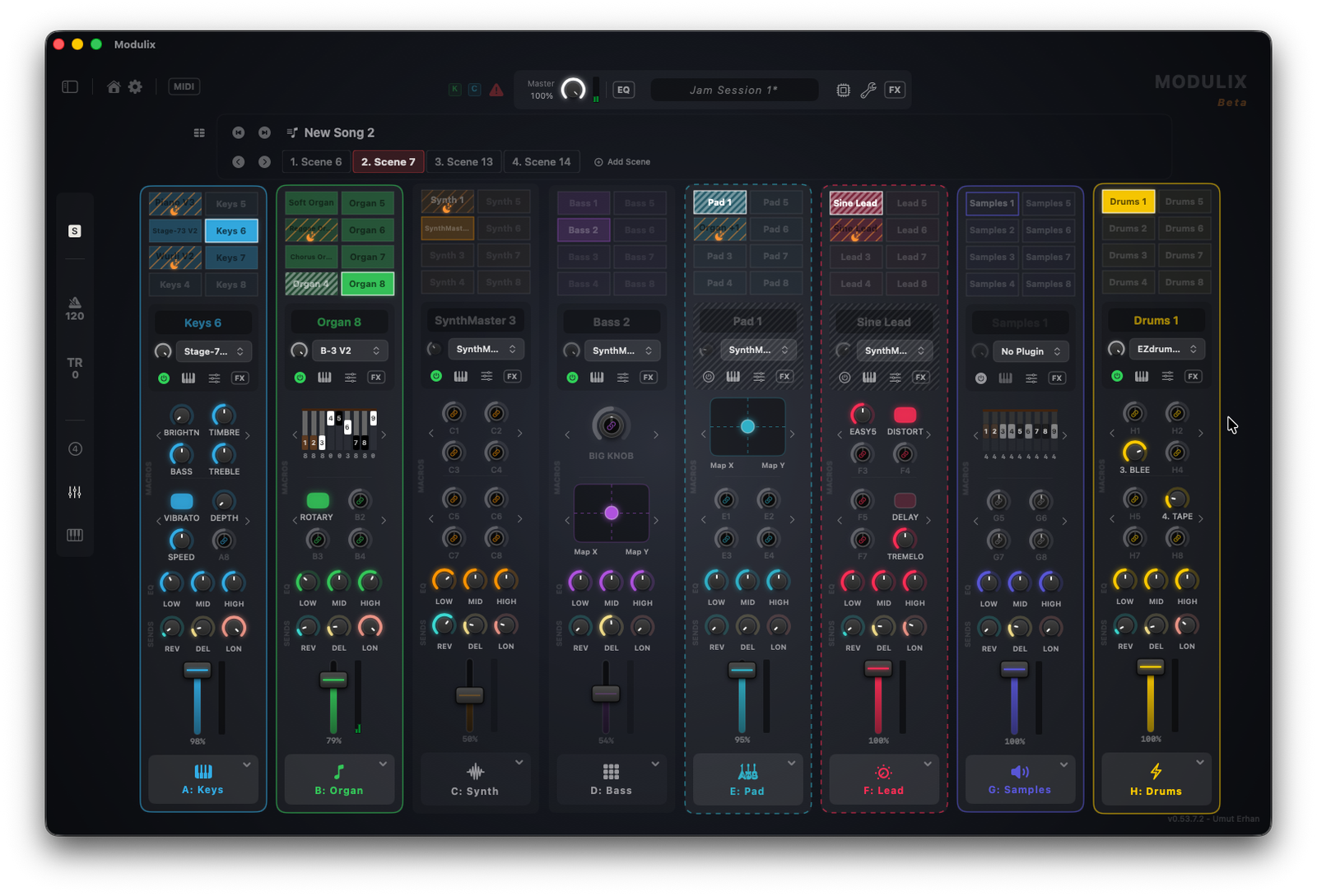
Ditch the Screen & Play Freely
Because you can see exactly what's loaded right on the keys, you can control almost everything without looking at your Mac. Step through songs and scenes, mute or solo modules, and toggle Stage FX with absolute confidence.
Keys dynamically light up to reflect exact module colors, custom voice names, and status icons indicating whether an instrument is bypassed or sleeping.
Deep Editing & Adaptive Smart Actions
Buttons actively adapt to your workflow. Adjust zone layers, shift octaves, or page through all 64 individual voices on the fly.
Trigger the interactive Quick Split wizard directly from a button: the LCD dynamically cycles through step-by-step instructions as you play, letting you build complex split layers entirely from your hardware.
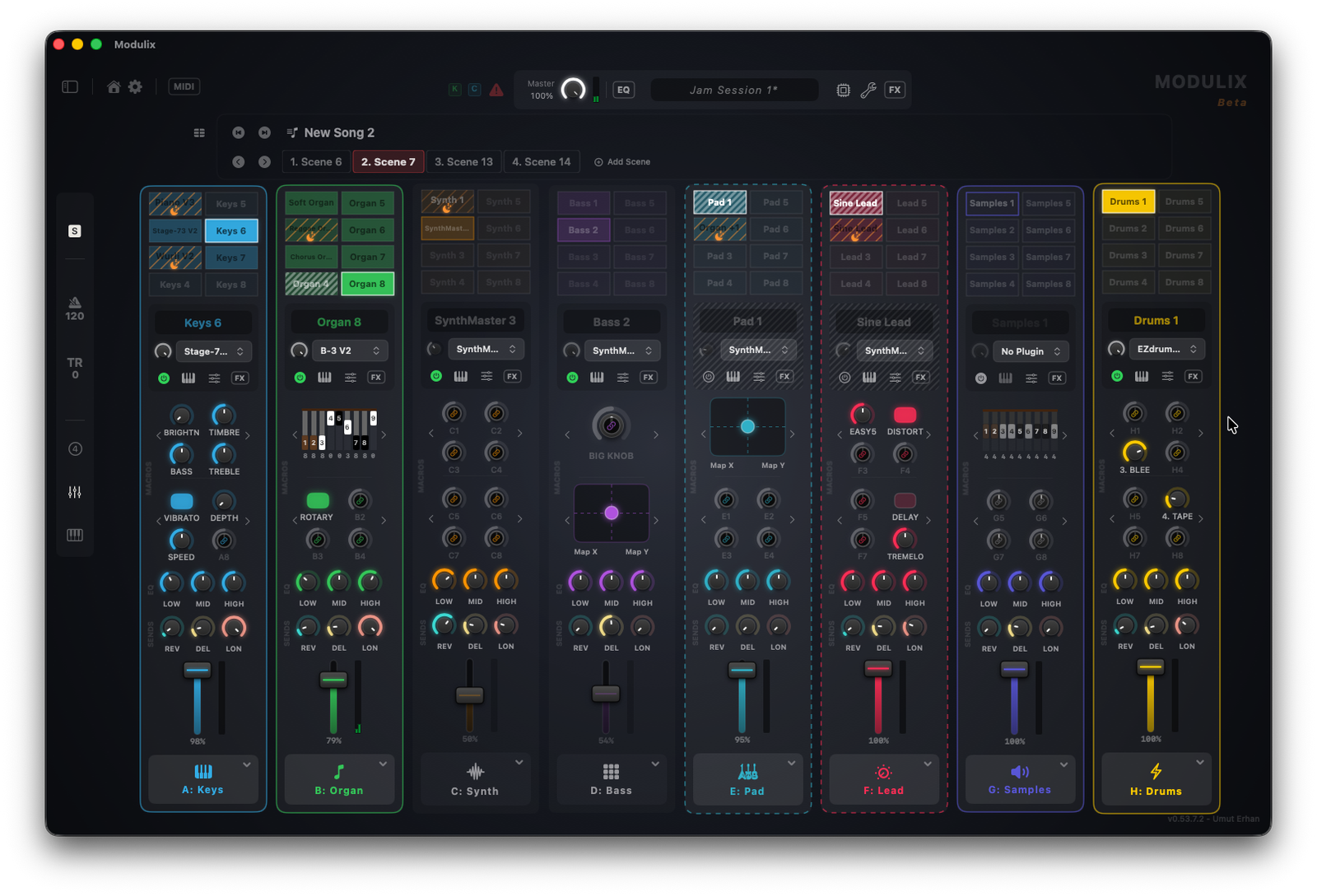
Quick Installation Guide
-
1.
Open Modulix on your Mac, go to Settings > General, and ensure "Enable Elgato Stream Deck Support" is checked.
-
2.
Double-click the downloaded
.streamDeckPluginfile to install it into your Stream Deck desktop app. -
3.
Double-click the downloaded
.streamDeckProfilefile to import my pre-made layout. -
4.
That's it! Your physical keys should immediately populate with colors, names, and statuses pulled directly from your active Modulix project.