nanoBridge
Bring modern superpowers to the classic Korg nanoKONTROL2. A native macOS virtual MIDI bridge that bypasses slow hardware memory flashing to deliver unlimited presets, bi-directional LED sync, Program Changes, and more.
How It Works
Instead of painfully flashing the device memory every time you need a new setup, nanoBridge leaves the hardware in its standard CC mode and acts as a middleman.
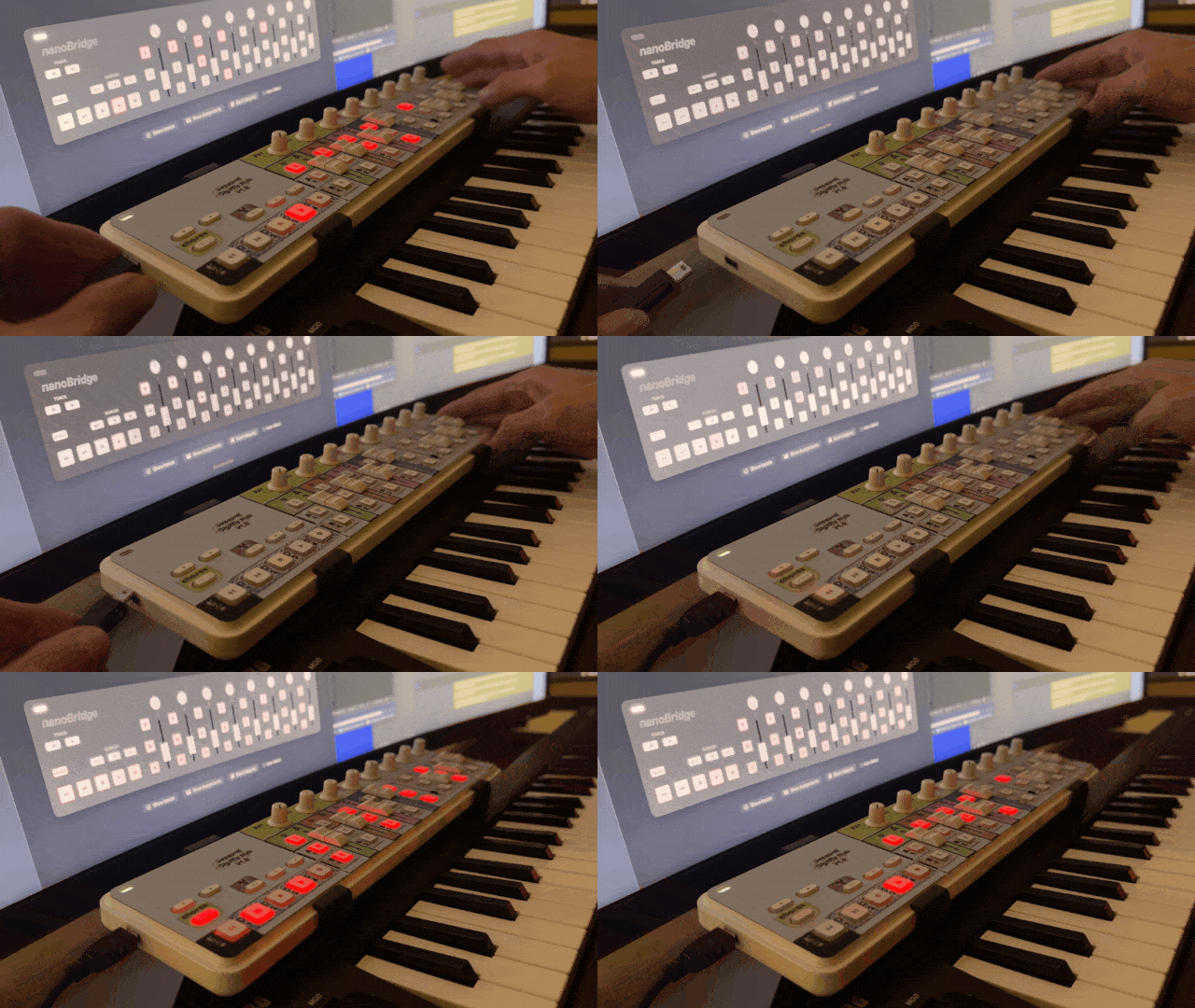
When you move a fader or press a button, the hardware sends its raw MIDI data. nanoBridge intercepts it, alters it based on your active preset, handles the LED feedback bidirectionally, and passes the processed data out through a virtual MIDI port directly into your DAW or host software.
- No firmware modifications required
- Extremely low-latency native macOS processing
Key Features
Unlimited Presets
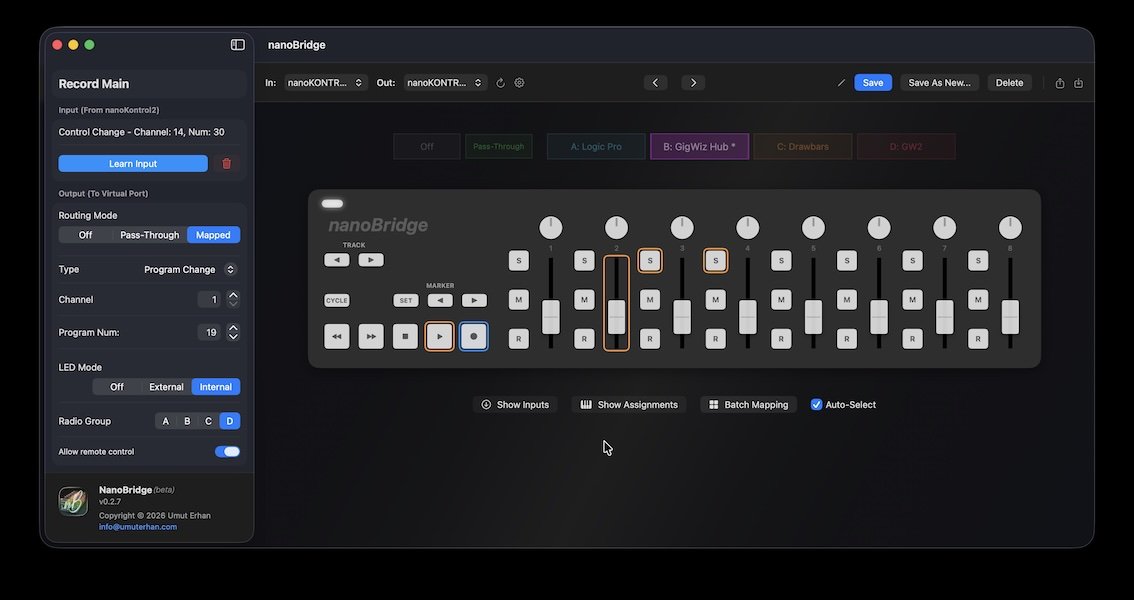
Create unlimited setups and drag-and-drop to reorder. Switch between them instantly using the Mac menu bar icon, shortcut MIDI devices (like Stream Deck), or dedicated nanoKONTROL buttons. Hardware LEDs briefly flash to show which preset is active.
Advanced Mapping
Remap any fader or button to completely different CCs, MIDI notes, or even Program Changes. The original official editor didn't allow assigning Program Changes—nanoBridge unlocks this capability perfectly.
Batch Mapping Editor
Assign multiple controllers sequentially in seconds. Simply enter a starting CC number, and nanoBridge handles the rest. Save hours of manual configuration. You can also shift-click to select multiple controls and edit them together.
Smart LED Feedback
Proper visual feedback from the LEDs. The app remembers exactly which LEDs and toggles were active in each specific layout, so when you switch presets, you never lose your place.
Radio Groups
Group multiple buttons together so that pressing one automatically turns the others off. Perfect for switching instrument parts, zones, or articulations seamlessly during a live performance.
Visual Overlays & Backup
Turn on visual overlays to display your MIDI inputs and outputs directly over the interactive hardware layout. Easily export, backup, or share all of your mappings as JSON.